


InvoiceOcean - pay monthly (subscription)



- View all variations as list
| CODE | Payment method | Price | ||
|---|---|---|---|---|

|
290
ss_invoiceocean
2026-02-02
1.1.3.6
|
1000.00 PLN
(Price without tax) |
||

|
725
ss_invoiceocean_sub_1Y
2026-02-02
1.1.3.6
|
400.00 PLN
/year
(Price without tax) |
||
|
|
724
ss_invoiceocean_sub_1M
2026-02-02
1.1.3.6
|
40.00 PLN
/month
(Price without tax) |

- — 12 months guarantee for all our add-ons
- — add-ons sold to entire world
- — stable, flexible, high-quality products
- — competitive prices, attractive discounts
- — quick and competent technical support
- — installation in 24 hours
- — personalized solutions - we'll write any add-on for you
Extension to CS-Cart and Multi-Vendor allows you to make invoices directly from orders using InvoiceOcean service.
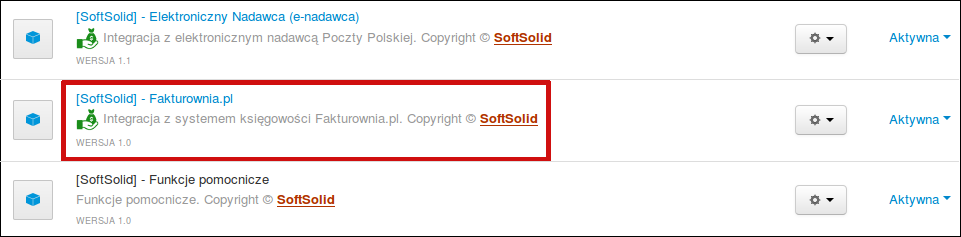
We start from installing an addon:

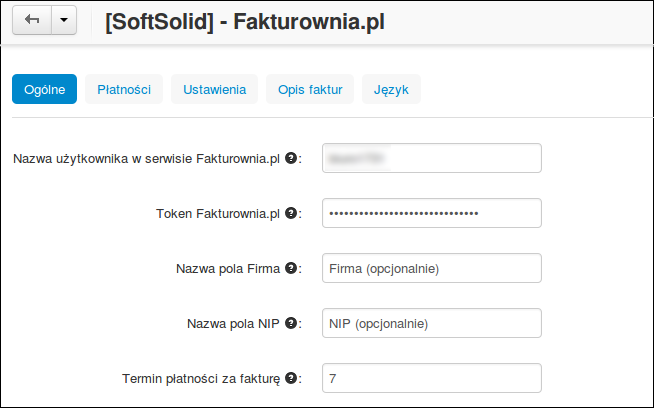
Next we configure add-on. Tab "General" contains basic configuration options.


Tab "Settings" contains additional configuration options, which allow modifying process of invoice generation.


Tab "Automation" allows enabling auto-generation of invoices.

Tab "Language variables" allows editing language variables used for invoice generation.

Tab "Languages" lets you select languages in which invoice is generated.

Tab "Products" contains options related to displaying product options on invoice.

Tab "Departments" contains a button to download list of departments from InvoiceOcean, which can later be used in invoices.

Last tab "Document/status" allows to define statuses of documents created in InvoiceOcean.


It is also possible to enable or disable vendor access to InvoiceOcean based on the vendor plan.

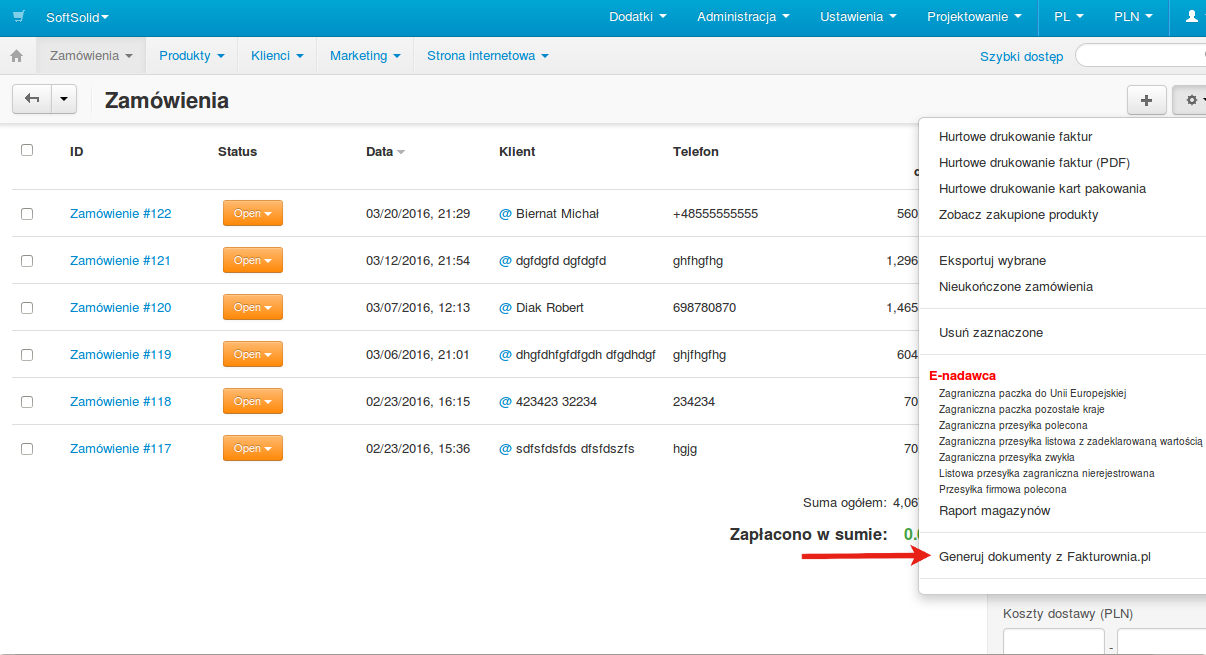
To generate invoices for orders, mark them on orders list, and select "Generate documents from InvoiceOcean" from a list under the rack.

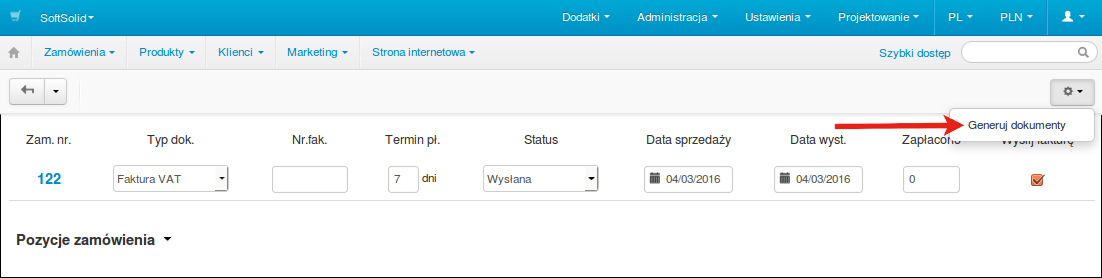
Next, we set invoice parameters and click button "Generate documents".

Generated invoices are visible in a tab in order configuration.

Add-on also allows adding customer to the database of InvoiceOcean, through button "Export customer data to InvoiceOcean".


We invite you to shopping!
- Monthly subscription
Choose the most convenient form of payment for the add-on. You can pay once and use the add-on. Choosing a subscription payment (monthly or annual) means that you pay for the add-on at regular intervals and have access to the latest versions of the addon and technical support.
- Store Bulider
- Multi-Vendor
- 4.21.x
- 4.20.x
- 4.18.x
- 4.17.x
- 4.16.x
- 4.15.x
- 4.14.x
- 4.13.x
- 4.12.x
- 4.11.x
- 4.10.x
- 4.9.x
- 4.8.x
- 4.7.x
- 4.6.x
- 4.5.x
- 4.4.x
- 4.3.x
- 4.2.x
- 4.1.x
- 4.0.x
- No changes
No reviews found